100% on-device — auto cutout & export on your iPhone

One-Tap
India eVisa Photos
Square format. Upload-ready.

Built for the indianvisaonline.gov.in e-Visa upload — automatic background removal, a square export sized for the portal, and a live checklist before you pay. Same proven pipeline as our US & China apps.

Coming soon to the App Store Get notified at launch

iOS 17+ · iPhone

Automatic background removal
Square eVisa format (up to 1000×1000 px)
Apple Vision on-device
No photo uploads to us

In the app

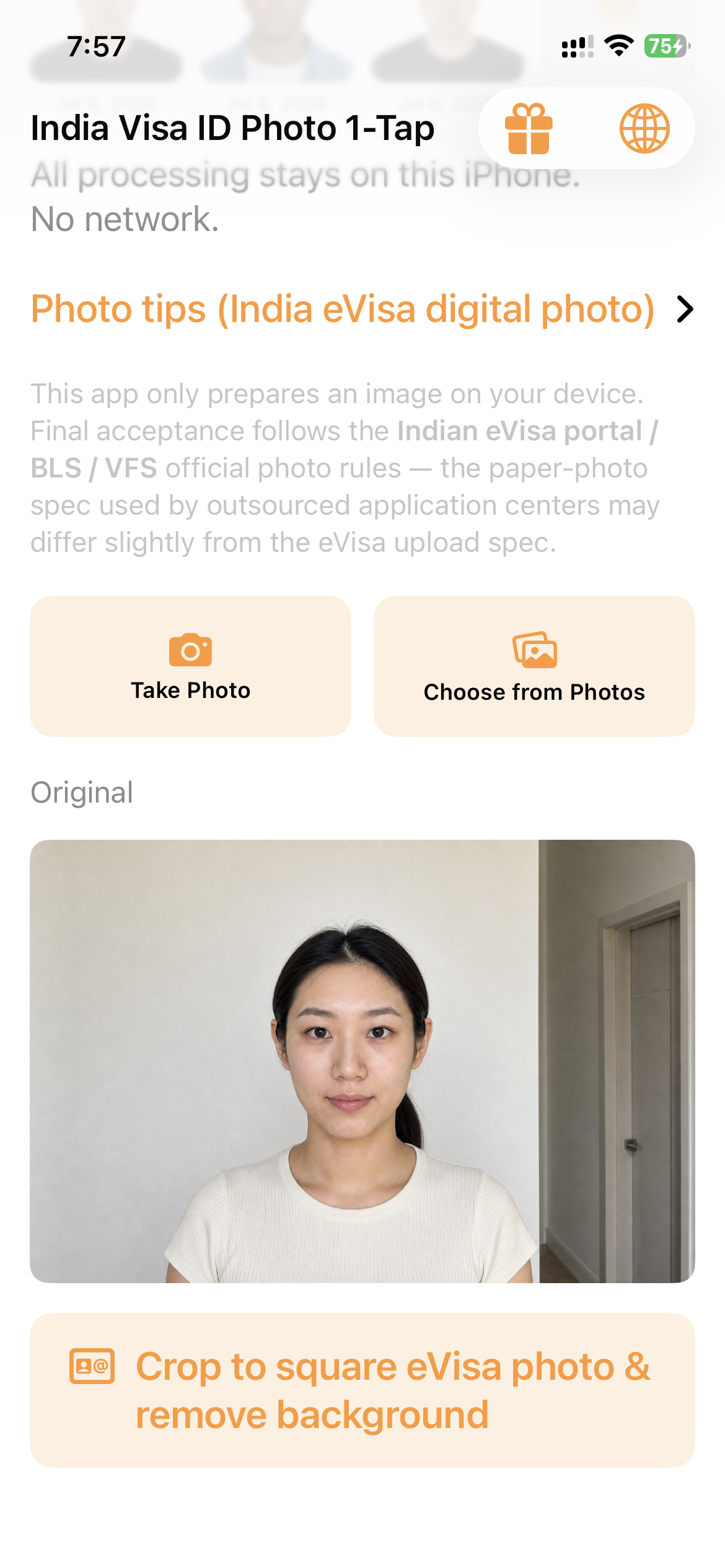
Pick a photo.
Upload-ready in one tap.

Real device screenshots go here once the first TestFlight build lands — for now, here's the shape of the flow.

1 · Pick a photo

✓ Square canvas
✓ Head 1-1⅜in
✓ JPEG ≤300 KB

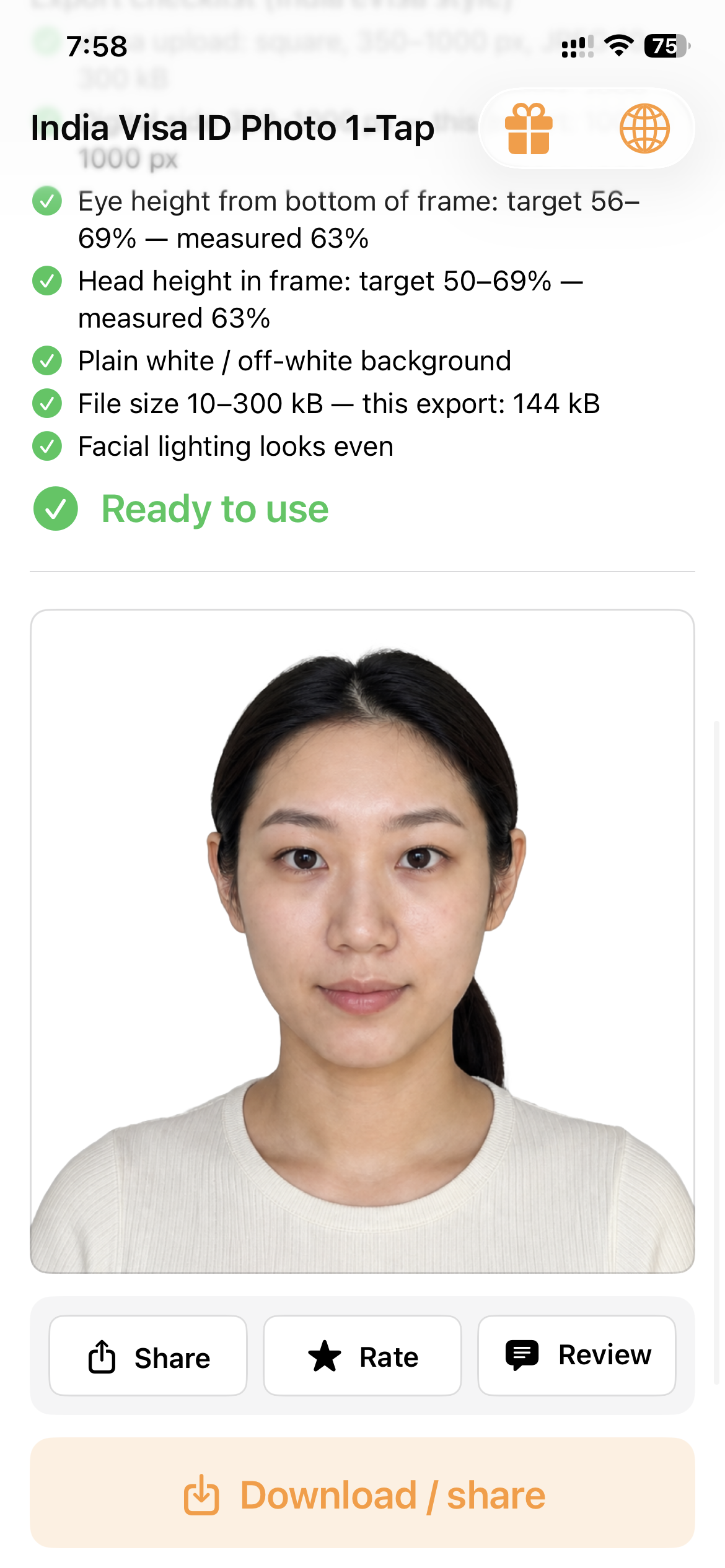
2 · Live export checklist

Download
Share

3 · Unlock & export

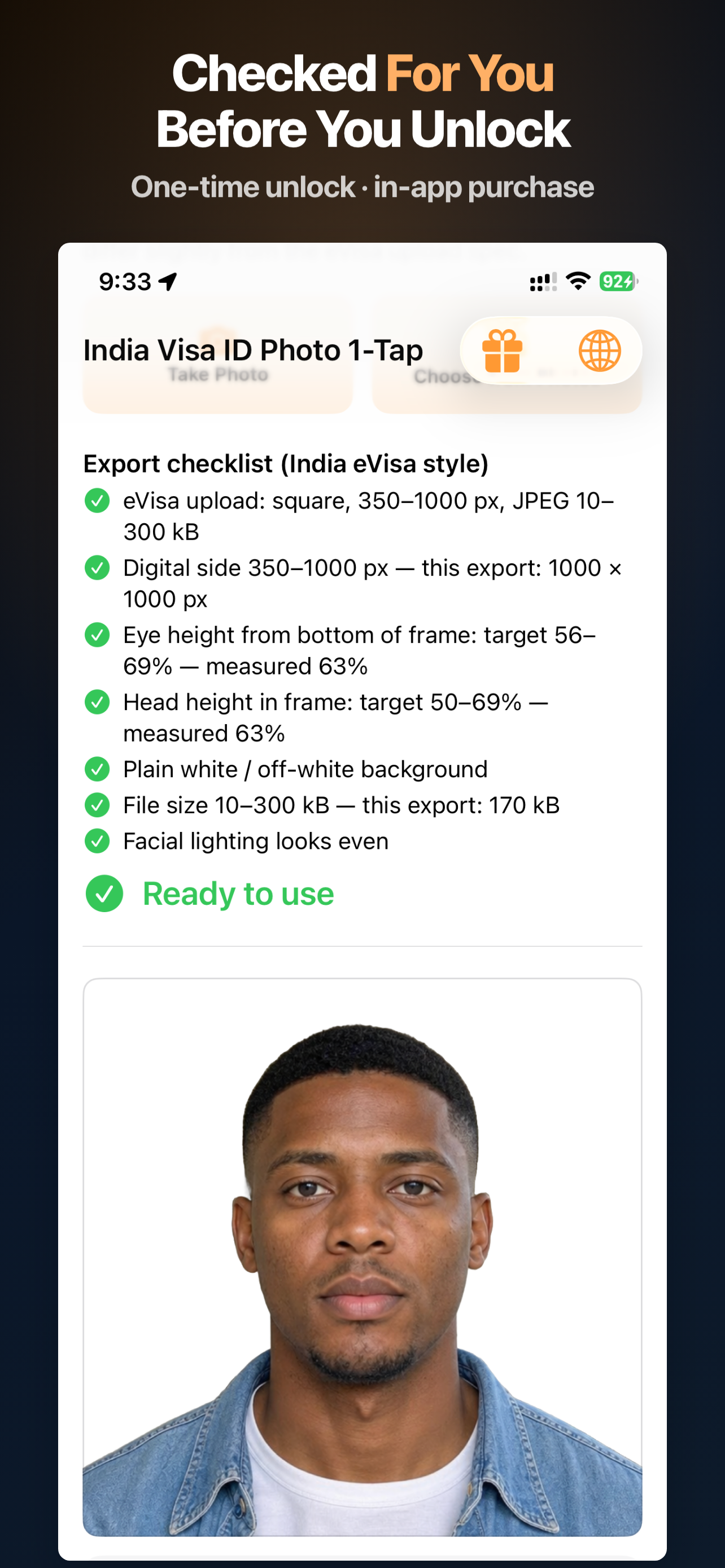
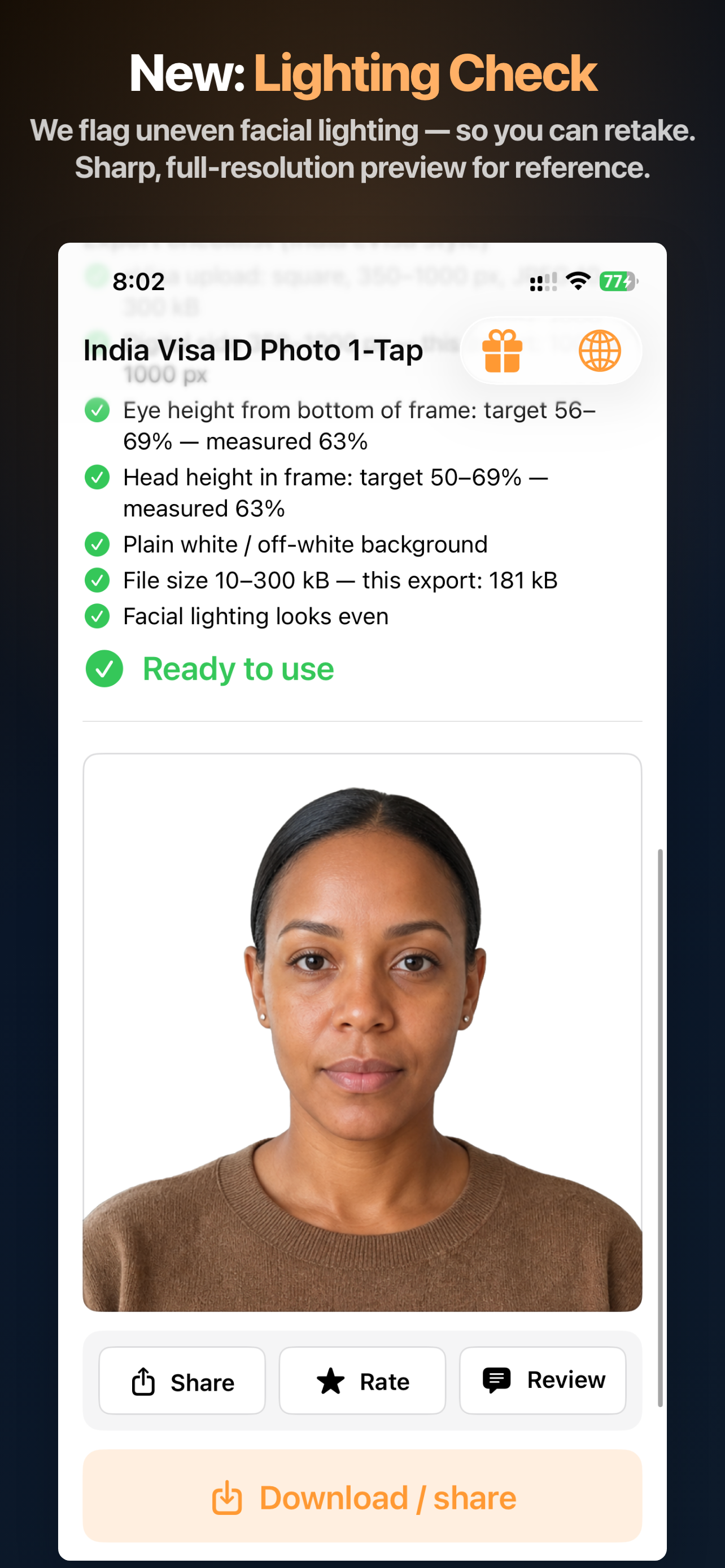
The same live checklist style as our US, China & Schengen apps — tuned to the India e-Visa upload spec.

What we optimize for (India e-Visa)

The app guides composition toward the digital photo spec published on indianvisaonline.gov.in. Always confirm the latest rules before you submit — government portals can change limits without much notice.

  • Square canvas — exported up to 1000×1000 px, within the portal's 350–1000 px allowed range.
  • Head & eye position — head height and eye height held to the portal's 1–1⅜ in / 1⅛–1⅜ in bands (of an implicit 2×2 in frame).
  • JPEG size policy — export compressed to fit the portal's 10–300 KB window.
  • Plain white/light background — after automatic cutout, no shadows or border.
  • No face reshaping — segmentation and cropping only; we don't slim or resize facial geometry.
  • Privacy — segmentation and matting run on your iPhone; no separate upload to our servers for processing.

This app targets the e-Visa online upload spec. If you're applying through a visa application center for a printed photo (2×2 in / 50×50 mm), confirm the face-height figure with them — it differs slightly from the digital rule. Final acceptance is always at the discretion of the Indian government portal or visa application center you use.

Built for the India e-Visa upload

One tap from photo library to a compliant square portrait — sized and checked for the online portal.

Auto cutout & white backdrop

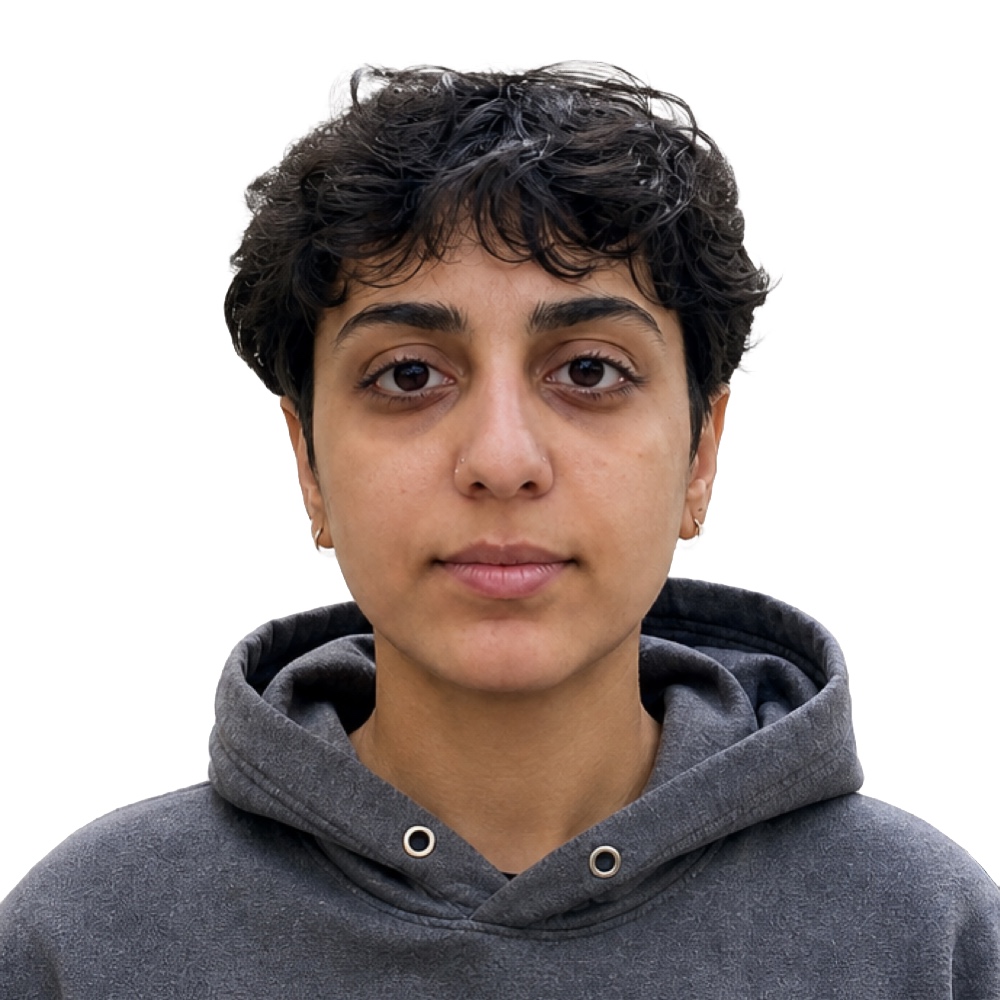
Apple Vision–powered segmentation removes busy backgrounds and drops you onto a clean plain plate — the starting point the portal expects.

Square crop & checklist

Framing and readouts aligned to the e-Visa reference proportions, exported up to 1000×1000 px inside the allowed pixel window.

On-device only

Core image work stays on your phone. Purchase flows use Apple's systems; we don't run our own photo cloud for editing.

Same multilingual UI as our app family

Built-in language switcher: English, 简体中文, 繁體中文, Español, 日本語, Deutsch, Français — matching our US, China & Schengen apps.

Three steps

1

Pick a photo

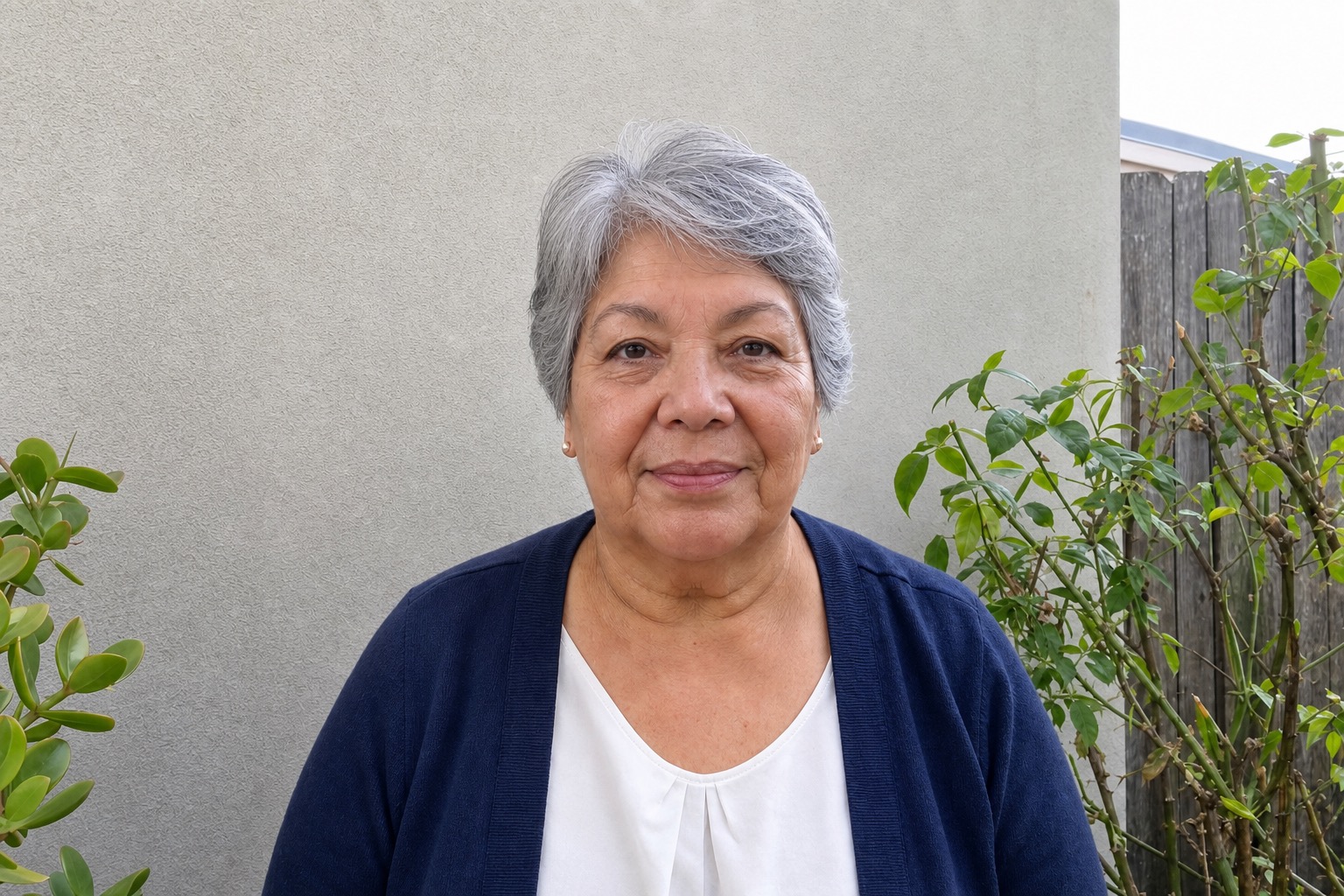
Any clear front-facing shot from your library — more headroom makes composition easier.

2

One-tap process

Auto cutout to white, crop to square e-Visa proportions, then review the animated checklist.

3

Unlock & export

Single consumable purchase per export — save to Photos and upload to indianvisaonline.gov.in.

Pay per export

No subscription — unlock one processed photo at a time, same model as our other apps.

India Visa ID Photo 1-Tap
$1.99 / export
  • Square export up to 1000×1000 px
  • Automatic cutout + white/light plate
  • e-Visa checklist in-app
  • On-device processing

Why not a photo studio?

Studios work great when you're already there — this app is for when you already have a decent phone photo and want an upload-ready file fast, privately, and repeatably.

Exact storefront price may vary by region; shown in USD on the U.S. App Store.

When people use it

indianvisaonline.gov.in e-Visa upload Tourist & business e-Visa Replacing a rejected photo Last-minute application

Your India e-Visa photo
starts on your phone.

Launching soon on the App Store — $1.99 per full-resolution export.

Get notified at launch